
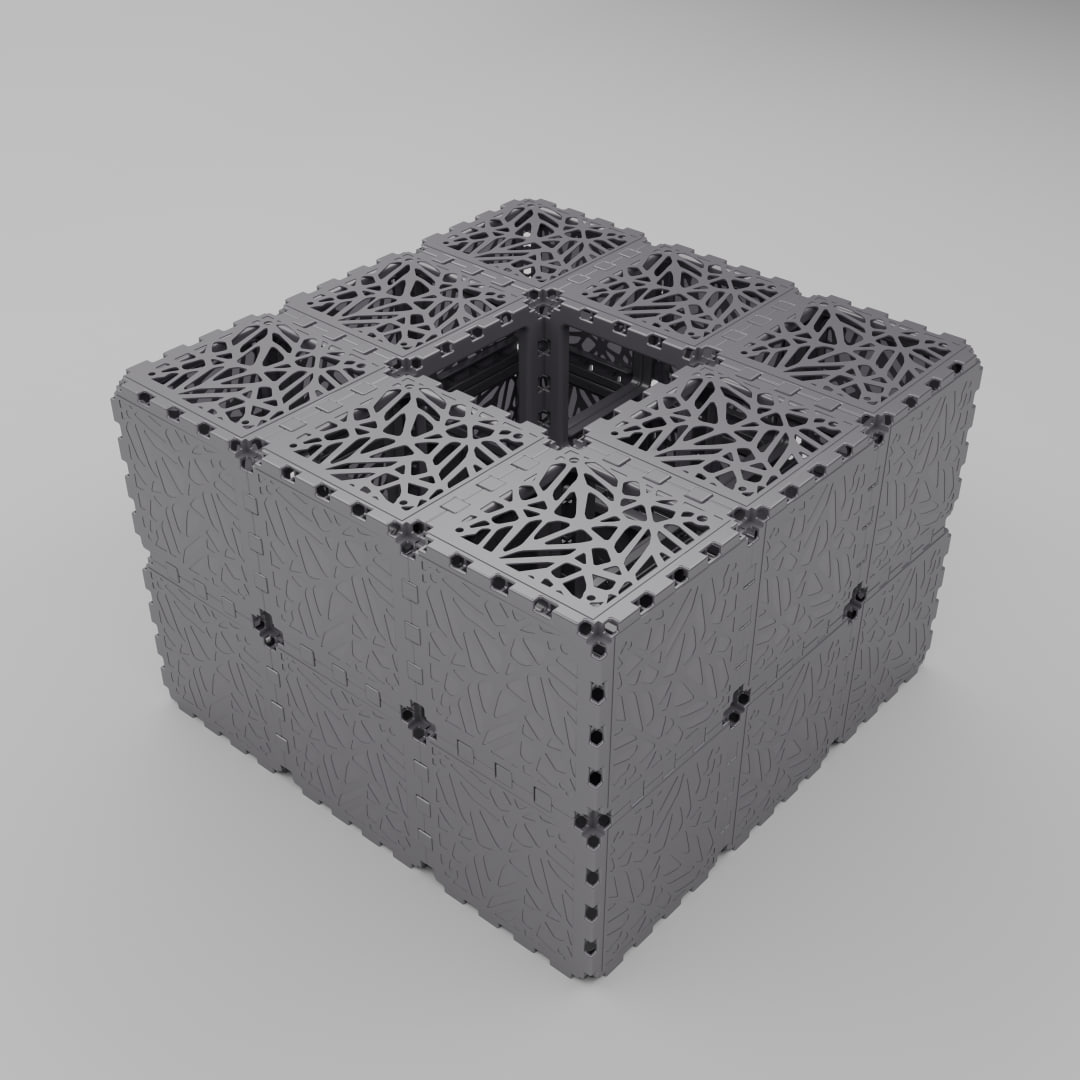
Cubik.one 3D Builder
Create for your own pleasure
Open the editor and assemble your structure in minutes.
Create a New Project Open from GalleryWHAT YOU GET?
Full Object Specifications
When you save a project, the editor automatically calculates:
- Number of all facets
- Total weight of the structure
- Estimated assembly time
- Approximate price (if ordering real bricks)
Your Personal Project Archive
Register on the portal to:
- Save all your projects in your personal account
- Return to them at any time
- Edit and improve existing structures
Full Creative Freedom
Everything you create in the editor consists of real bricks:
- Each 3D object corresponds to our module system
- You see the exact result before purchasing
- You can export for viewing in other programs
WHAT YOU CAN DO WITH YOUR PROJECT
Option 1: Participate in contests
Participate and Win
Submit your object to a contest to:
- Compete with other creators
- Win prizes
- Climb the leaderboard
- Earn the title of best designer
Option 2: Share on social media
Show your project to the world
Export your project and:
- Share on Instagram, TikTok, Facebook
- Use the hashtag #cubikone
- Drive traffic to your project
- Inspire others
Option 3: Monetize your design
Sell your ideas
Upload your project to the gallery to:
- Earn money whenever someone buys your project
- Receive a commission from every sale
- Become a platform designer
- Build your portfolio for clients
Option 4: Buy Physical Bricks (Mini)
Mini Model (1:2.5 Scale)
Order downsized bricks and:
- Assemble a desktop demo model
- Show clients a real-life physical layout
- Test your concept before ordering full-sized cubes
- Perfect for office desks or exhibitions
Option 5: Buy Physical Bricks (Full-sized)
Real Bricks (Full Size)
Turn your project into reality:
- Order the exact set of components based on your design
- Build a functional structure
- Use it in your office, home, or outdoors
- Guaranteed quality and reliability
QUICK START
How to begin? Three simple steps:
Step 1: Open the Editor
Click the button above and enter the 3D space
Step 2: Build Your Object
Add bricks, edit them, rotate the scene, and watch your idea grow
Step 3: Save and Take Action
Export your project, buy bricks, share your design, or enter a contest — the choice is yours!